
APPLICATION
Custom Integration networking
Coordinate network ports, Wi-Fi, and power around the equipment going into each room, rack, and remote location.
Design checklist
- List rack space, mounting constraints, and device locations.
- Check copper and fiber runs alongside the network port count.
- Size PoE and backup power against the actual load.
PRODUCT SERIES
Where to start
01 / Switches

NRS SeriesSwitching for rooms, racks, and distributed AV.
02 / Equipment
- PTPv2
- Profile configuration
- Up to 52-ports
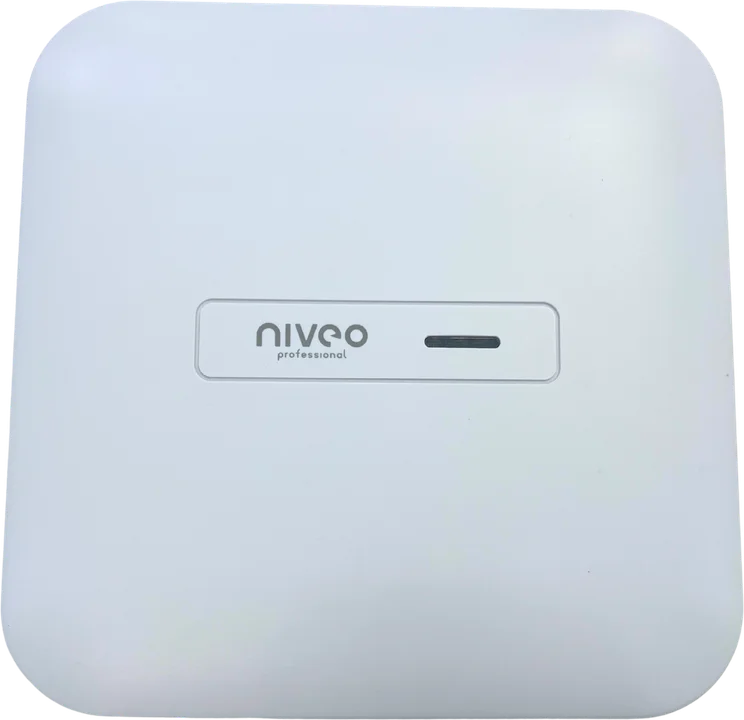
Wi-FiWireless access points and controllers.
03 / Equipment
- Choose access points by environment
- Check management and uplinks
- Match power to the installation
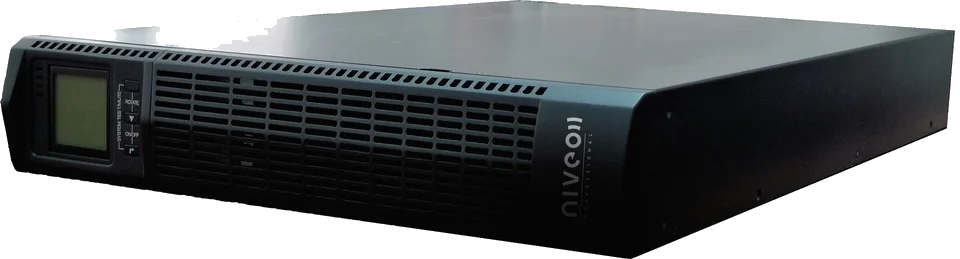
UPSBackup power for critical equipment.
04 / Equipment
- Compare VA and watt ratings
- Check format and mounting
- Confirm runtime at expected load

PDUs & PoE InjectorsPower distribution and endpoint power.
- Compare input and outlet types
- Check load and control features
- Match injector power to the endpoint
RELATED GUIDE
Read the guide